A share image for every story, made from the story.
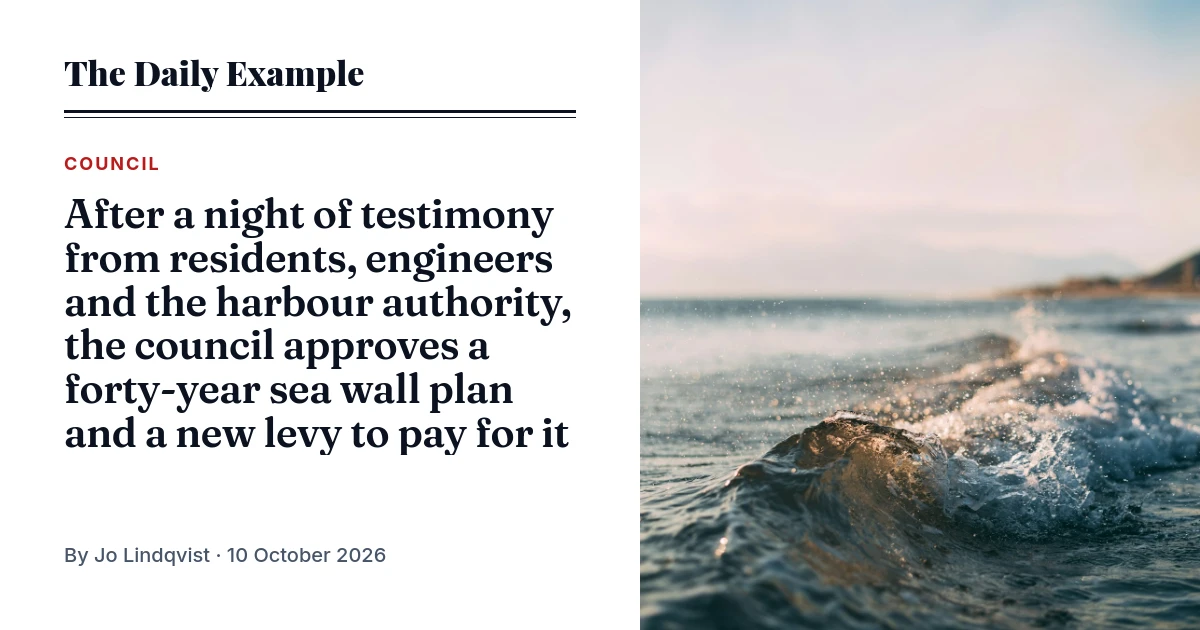
Put the headline, section, byline and lead photo into a template once. After that every article has its own card, rendered the first time someone shares the link. No designer in the queue, no build step, no plugin to keep up to date.
150 images a month free, no card. A site publishing 40 stories a day fits in the $9 plan.
curl -X POST https://api.imageapis.com/v1/images \
  -H 'X-API-Key: YOUR_KEY' -H 'Content-Type: application/json' \
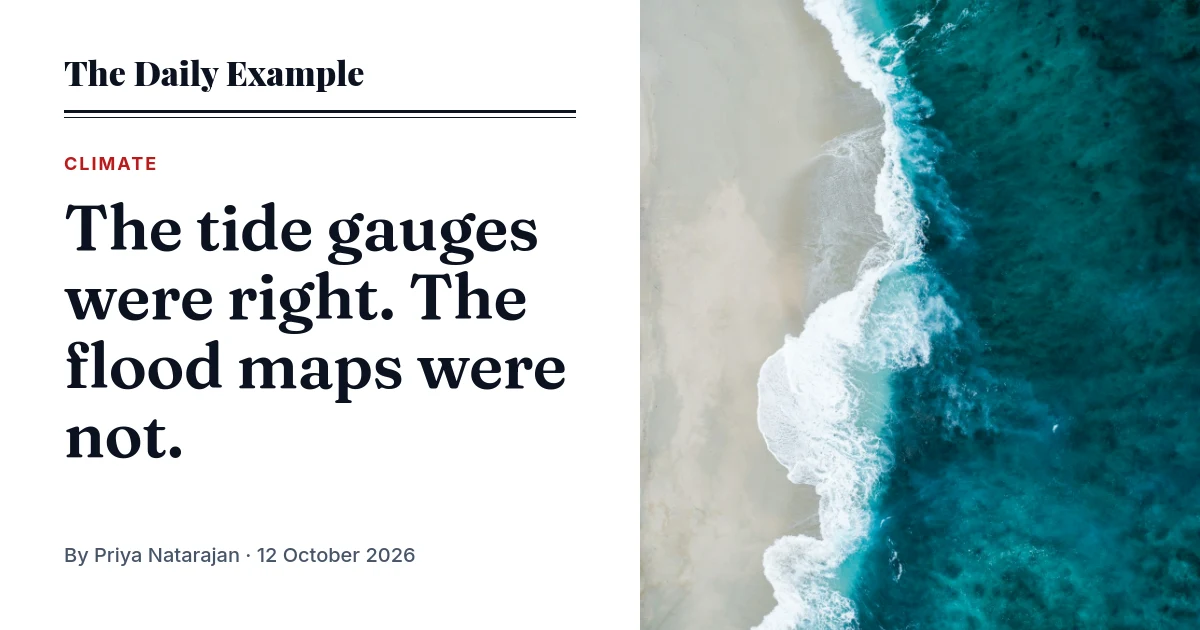
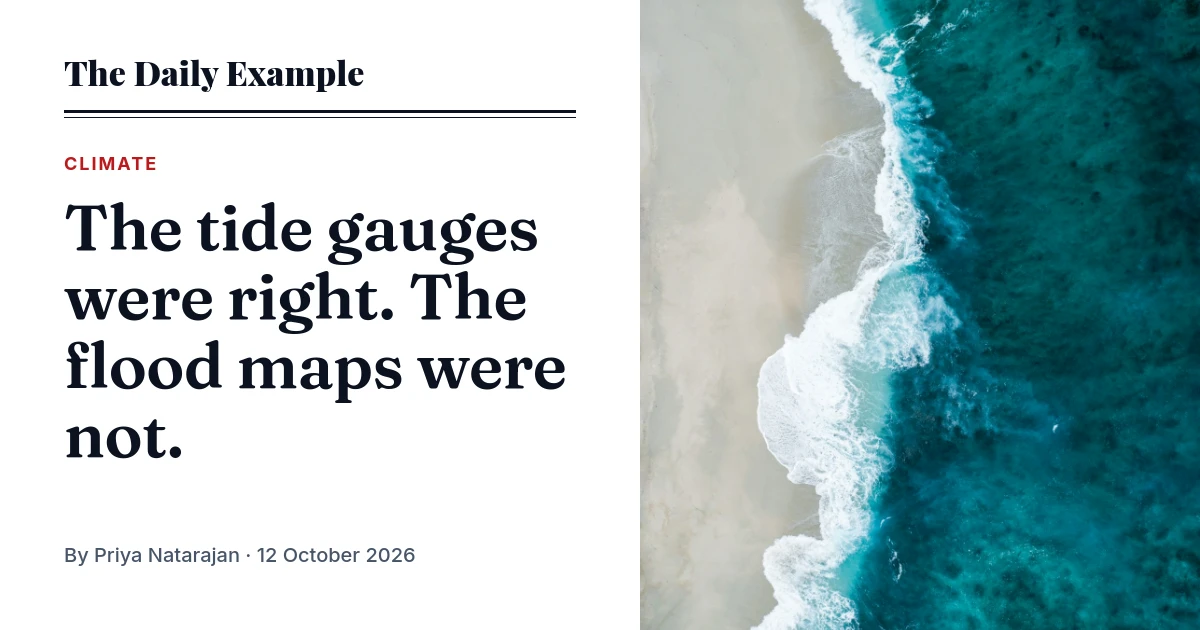
-d '{"template": "tpl_…", "variables": {"publication": "The Daily Example", "section": "Climate", "title": "The tide gauges were right. The flood maps were not.", "author": "Priya Natarajan", "date": "12 October 2026", "photo": "https://images.unsplash.com/photo-1505142468610-359e7d316be0?w=1200"}}'Three ways in. Use the one your stack allows.
Most sites need only the first: the theme writes the image URL, and the image is made when a crawler asks for it.
In the theme: a signed URL
The article template builds the image URL with an HMAC, next to where it prints the headline. The first fetch, usually a social network's crawler, renders the card; later fetches come from the cache. Nothing runs at publish time, and the archive needs no backfill: an old story gets its card the first time someone shares it.
On publish: store the URL
When the theme can't run code, as on Ghost or a hosted CMS, its publish webhook can. A few lines sign the same URL and write it into the story's social image fields. The card still renders on first fetch, so the hook never waits for a browser.
Right now: a CSV of stories
For a social scheduler, a newsletter or your media library, you want the files in hand. Post a CSV with a row per story, up to 1,000 at a time; every URL comes back at once and a webhook says when they are done. Try ten rows.
# 1. Copy the news article starter into your account; its id is your template
curl -s https://api.imageapis.com/v1/starters/news-article -H 'X-API-Key: YOUR_KEY' | jq .template > card.json
curl -X POST https://api.imageapis.com/v1/templates -H 'X-API-Key: YOUR_KEY' \
  -H 'Content-Type: application/json' -d @card.json
# → { "id": "tpl_…", "object": "template", … }

# 2. A signed base that can render that template and nothing else
curl -X POST https://api.imageapis.com/v1/signed-bases -H 'X-API-Key: YOUR_KEY' \
  -H 'Content-Type: application/json' -d '{"name":"article cards","template":"tpl_…"}'
# → { "id": "sb_…", "secret": "sbs_…", … }

# Keep them where your code can read them: OG_TEMPLATE=tpl_…  OG_BASE=sb_…  OG_SECRET=sbs_…
<?php
// functions.php or a small plugin; in wp-config.php:
// define('OG_TEMPLATE', 'tpl_…'); define('OG_BASE', 'sb_…'); define('OG_SECRET', 'sbs_…');
function imageapis_card_url(WP_Post $post): string {
$plain = fn ($s) => html_entity_decode($s, ENT_QUOTES | ENT_HTML5, 'UTF-8'); // WordPress stores & and ’
$cats = get_the_category($post->ID);
$query = http_build_query([
'publication' => $plain(get_bloginfo('name')),
'section' => $cats ? $plain($cats[0]->name) : 'News',
'title' => $plain(get_the_title($post)),
'author' => $plain(get_the_author_meta('display_name', $post->post_author)),
'date' => get_the_date('j F Y', $post),
'photo' => get_the_post_thumbnail_url($post, 'large') ?: 'https://example.com/default-photo.jpg',
]);
$msg = '/s/' . OG_BASE . '/' . OG_TEMPLATE . '.png?' . $query;
return 'https://img.imageapis.com' . $msg . '&sig=' . hash_hmac('sha256', $msg, OG_SECRET);
}
add_action('wp_head', function () {
if (!is_singular('post')) return;
$url = esc_url(imageapis_card_url(get_post()));
echo "<meta property=\"og:image\" content=\"$url\">\n";
echo "<meta property=\"og:image:width\" content=\"1200\">\n<meta property=\"og:image:height\" content=\"630\">\n";
echo "<meta name=\"twitter:card\" content=\"summary_large_image\">\n<meta name=\"twitter:image\" content=\"$url\">\n";
});
// Yoast SEO already prints og:image? Swap its URL instead of printing a second tag:
// add_filter('wpseo_opengraph_image', fn ($img) => is_singular('post') ? imageapis_card_url(get_post()) : $img);// app/news/[slug]/page.tsx
import { createHmac } from "node:crypto";
function cardUrl(story: Story) {
const query = new URLSearchParams({
publication: "The Daily Example",
section: story.section,
title: story.headline,
author: story.byline,
date: new Date(story.publishedAt).toLocaleDateString("en-GB", { dateStyle: "long" }),
photo: story.leadPhoto,
}).toString();
const path = `/s/${process.env.OG_BASE}/${process.env.OG_TEMPLATE}.png`;
const sig = createHmac("sha256", process.env.OG_SECRET!).update(`${path}?${query}`).digest("hex");
return `https://img.imageapis.com${path}?${query}&sig=${sig}`;
}
export async function generateMetadata({ params }) {
const story = await getStory((await params).slug);
const image = cardUrl(story);
return {
title: story.headline,
openGraph: { images: [{ url: image, width: 1200, height: 630 }] },
twitter: { card: "summary_large_image", images: [image] },
};
}// Ghost Admin → Settings → Integrations → a custom integration → webhook on "Post published" → here
import { createHmac } from "node:crypto";
import GhostAdminAPI from "@tryghost/admin-api";
const ghost = new GhostAdminAPI({ url: "https://news.example.com", key: process.env.GHOST_ADMIN_KEY, version: "v6.0" });
function cardUrl(vars) {
const query = new URLSearchParams(vars).toString();
const path = `/s/${process.env.OG_BASE}/${process.env.OG_TEMPLATE}.png`;
const sig = createHmac("sha256", process.env.OG_SECRET).update(`${path}?${query}`).digest("hex");
return `https://img.imageapis.com${path}?${query}&sig=${sig}`;
}
export async function POST(req) {
const post = (await req.json()).post.current;
const url = cardUrl({
publication: "The Daily Example",
section: post.primary_tag?.name ?? "News",
title: post.title,
author: post.primary_author?.name ?? "",
date: new Date(post.published_at).toLocaleDateString("en-GB", { dateStyle: "long" }),
photo: post.feature_image ?? "https://news.example.com/default-photo.jpg",
});
// nothing renders here: the card is drawn on its first fetch. updated_at stops this overwriting a newer edit.
await ghost.posts.edit({ id: post.id, updated_at: post.updated_at, og_image: url, twitter_image: url });
return new Response("ok");
}# stories.csv: a column per {{placeholder}}; a column starting with _ comes back as metadata
publication,section,title,author,date,photo,_story
The Daily Example,Climate,The tide gauges were right. The flood maps were not.,Priya Natarajan,12 October 2026,https://news.example.com/img/coast.jpg,4812
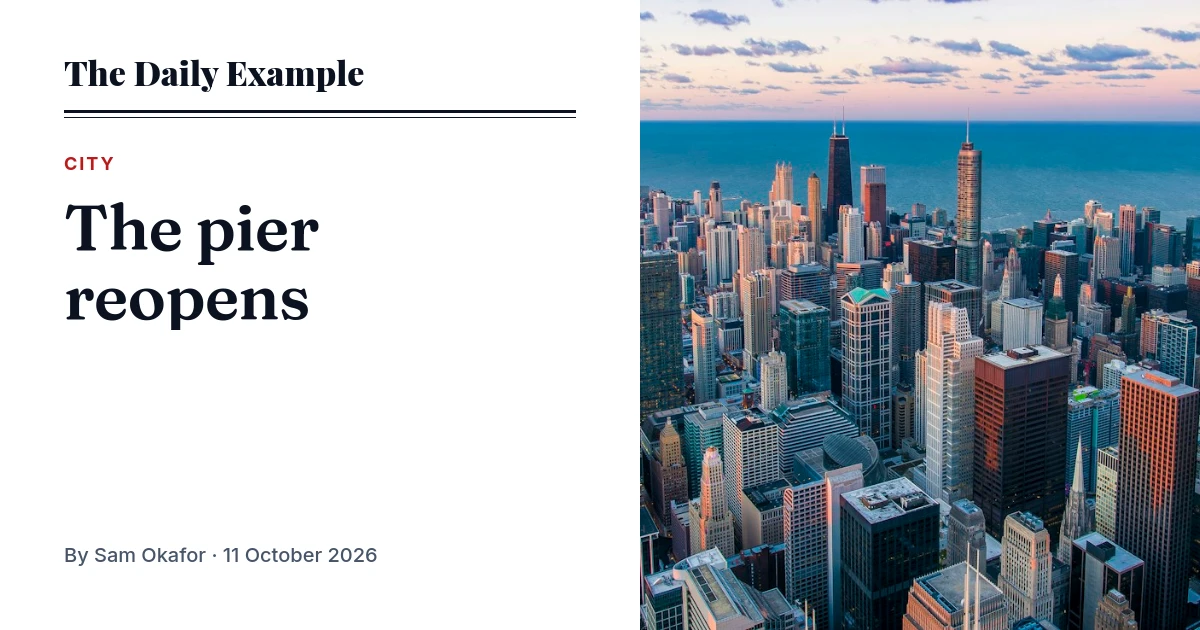
The Daily Example,City,The pier reopens,Sam Okafor,11 October 2026,https://news.example.com/img/pier.jpg,4807
curl -X POST "https://api.imageapis.com/v1/collections?template=tpl_…&webhook_url=https://news.example.com/hooks/cards" \
-H 'X-API-Key: YOUR_KEY' -H 'Content-Type: text/csv' --data-binary @stories.csv
# → 202 { "id": "col_…", "status": "pending", "images": [
# { "index": 0, "id": "img_…", "url": "https://img.imageapis.com/i/img_….png", "metadata": { "story": "4812" } }, … ] }Sign the query string exactly as you send it: http_build_query and URLSearchParams both write spaces as +, which is why each example signs the string it then puts in the URL. The signed URLs guide has Python too, and the Next.js guide walks through checking the card in the X and LinkedIn validators.
Three words or thirty, the headline fits.
The headline layer is set at 64 px with fit: "shrink". Once the web font has loaded, the browser steps the size down until every line sits inside the box. Nobody picks a size per story, and nothing runs off the card.
The rest of what a newsroom asks for.
Redesign once, every story follows
Change the type or the colours in the editor and save. The template is part of a signed URL's cache key, so each story's card is redrawn on its next fetch. No republishing, no backfill. Open this one in the editor.
Pull quotes and charts, from the page
Screenshot one element of a published article by CSS selector: a pull quote, a data table, an embedded chart. Hide the cookie banner with hide. Try a screenshot.
Charts from the story's numbers
Send the series and get a bar, line, area, pie or donut chart, as SVG for the article or PNG for social. Or put a chart layer in the card itself. Make a chart.
A version that moves
Give the card's layers an entrance and render the same template as an MP4, WebM or GIF of up to 30 seconds for social feeds, with a soundtrack under the MP4 or WebM if you give it one. Animate a card.
Newsletter headers
The same signed URL works in an email template: a header for every issue, rendered when the first reader opens it. Ask for .png or .jpg, which every mail client shows.
From the newsroom's assistant
Connect the MCP server to Claude, Cursor or your own agent with the same key, and it can make the card, the chart and the clip from a draft. Set it up.
One render per story, not per share.
A signed URL renders on its first fetch and is served from the cache after that, so a story shared ten thousand times costs one image. The cache keeps a render for a week; a story fetched again after that renders again, which is one more image.
| Stories a day | Images a month, roughly | Plan |
|---|---|---|
| 4 | 120 | Free, $0 (150 included) |
| 40 | 1,200 | Starter, $9 (2,000 included) |
| 300 | 9,000 | Growth, $29 (10,000 included) |
| 1,200 | 36,000 | Scale, $79 (40,000 included) |
Counted as one render per new story. Older stories fetched again after their week in the cache, and headlines edited after publishing, add one each. Past a paid plan's images, renders cost $2 to $4 per 1,000; the free plan stops at 150. All plans.
Read further.
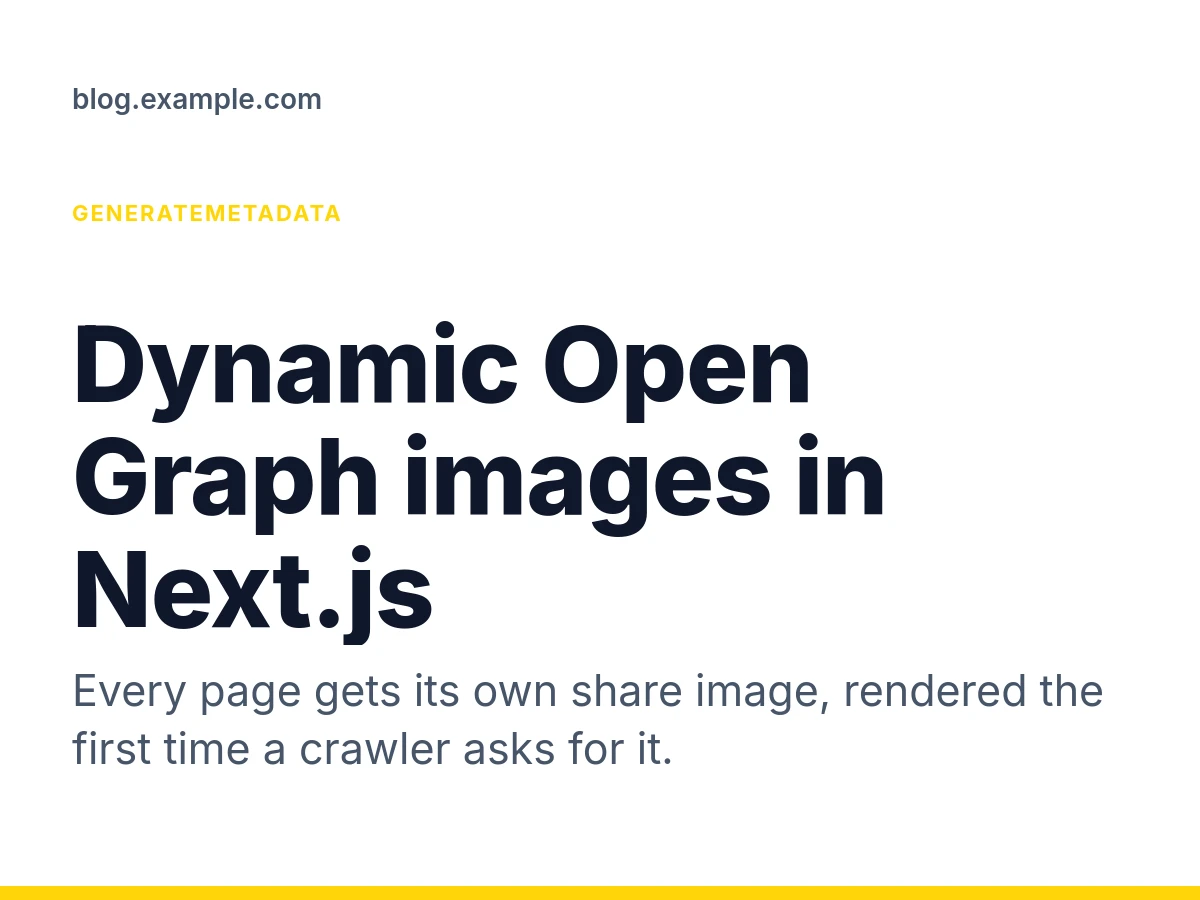
Dynamic Open Graph images in Next.js
Give every Next.js page its own Open Graph image without a build step or an API call at request time: a signed imageapis.com URL in generateMetadata, rendered on first fetch.
Next.js · 2 min read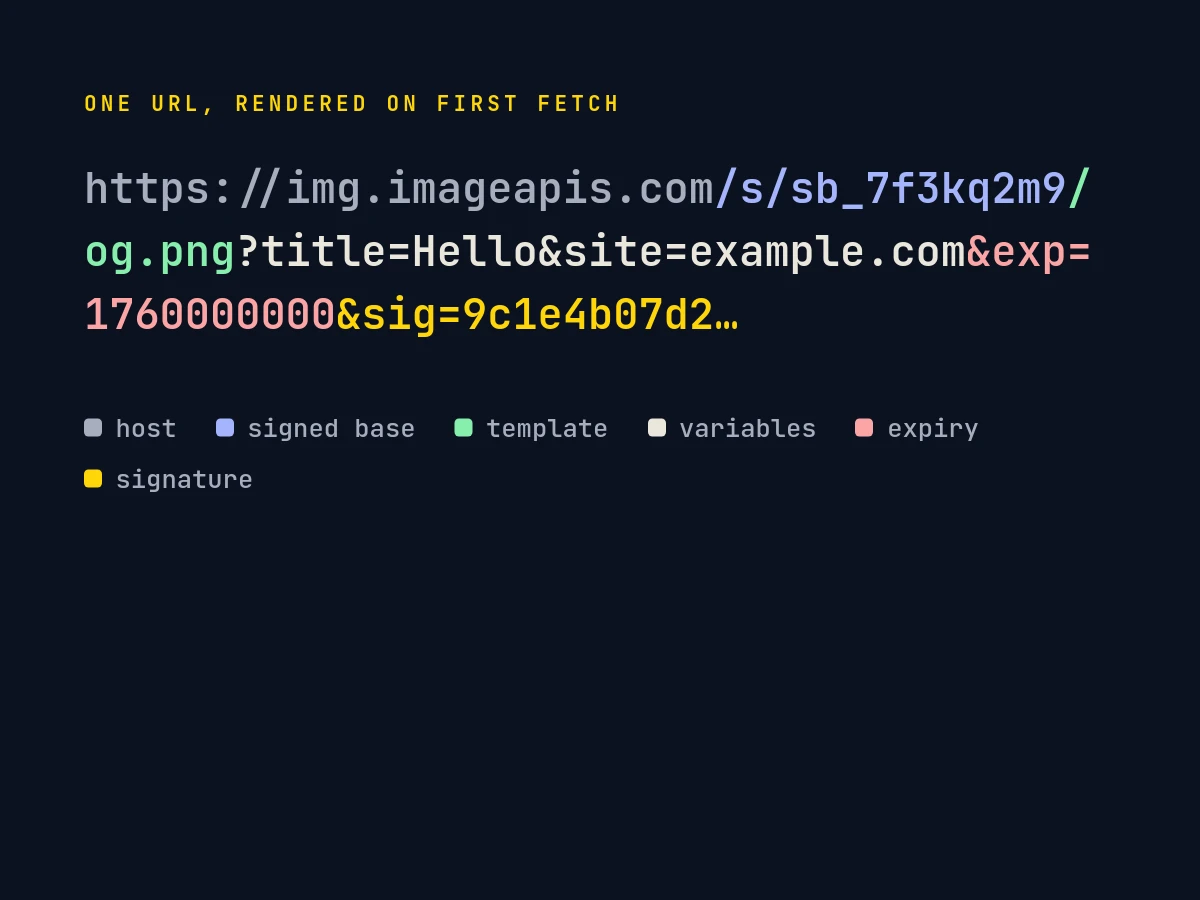
Signed URLs
How imageapis.com signed URLs work: HMAC-SHA256 over the path and query, expiry, template locking, edge caching, revocation, charts and QR codes as SVG, and the four lines of code in Python, Node and PHP.
Python · Node · PHP · 4 min read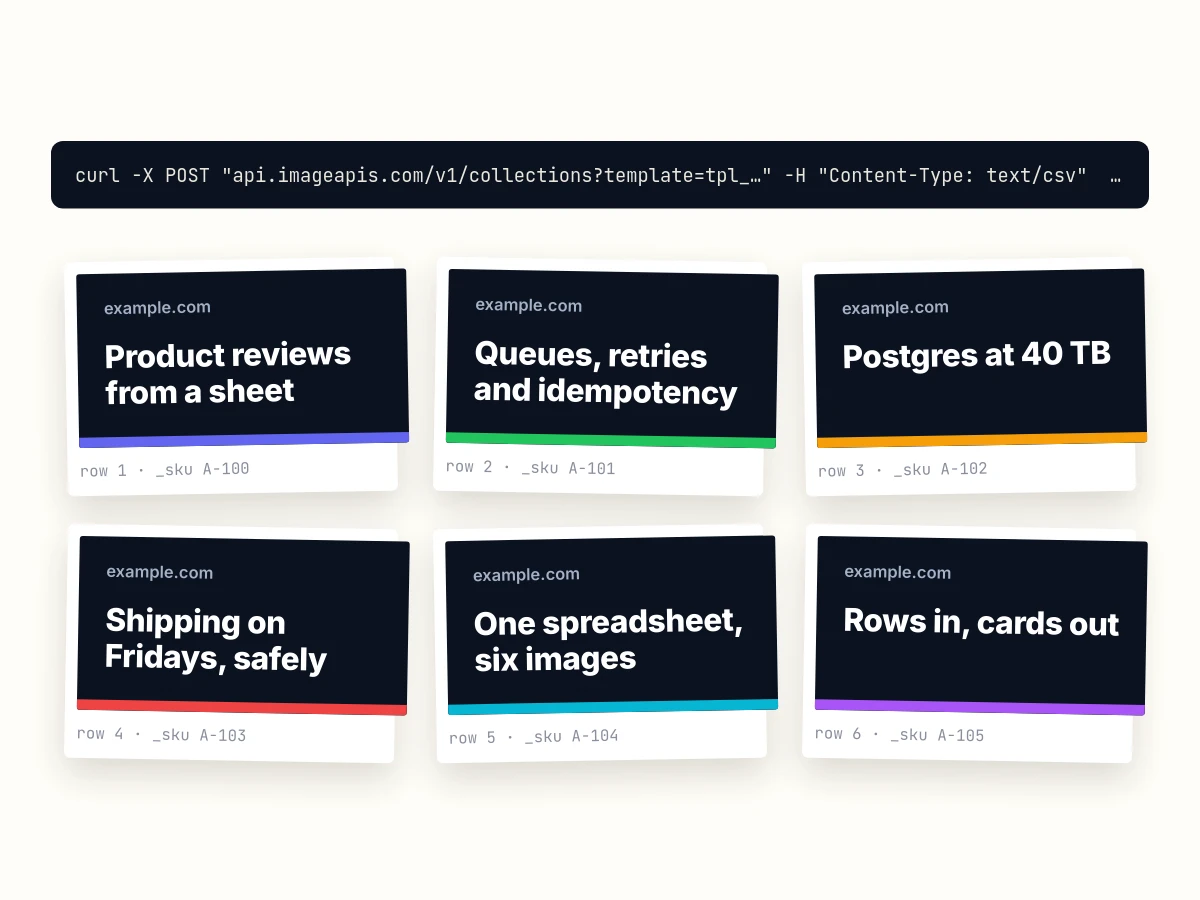
Images from a CSV
Turn a CSV or a Google Sheet into one image per row with one API call. Columns fill placeholders or change layers by name, up to 1,000 rows, a webhook when they are done, and how to retry the rows that failed.
curl · Python · Google Sheets · 4 min read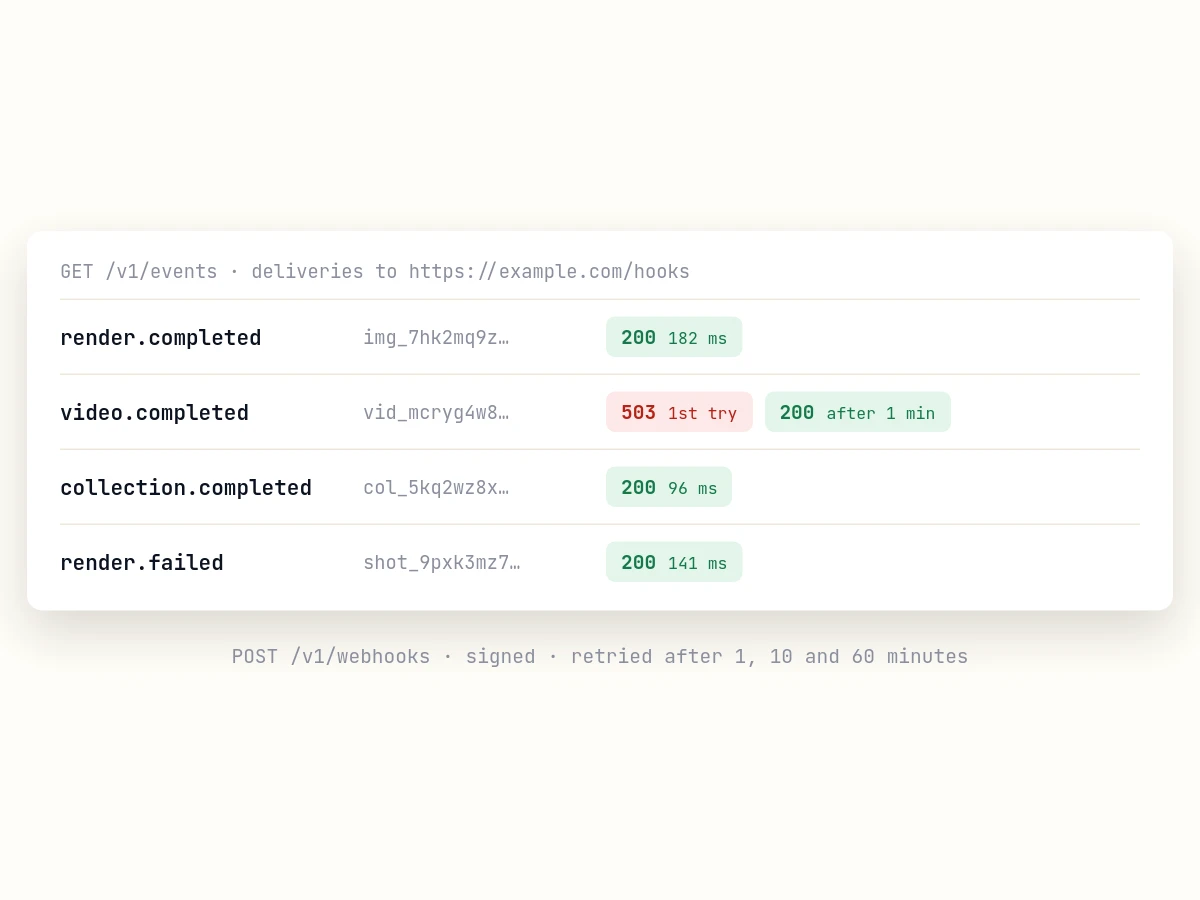
Webhooks for every render
Subscribe a URL to your account's render, video and collection events with POST /v1/webhooks. Every event, the payload, HMAC signature verification in Node and Python, retries, the event log and test deliveries.
curl · Node · Python · 5 min read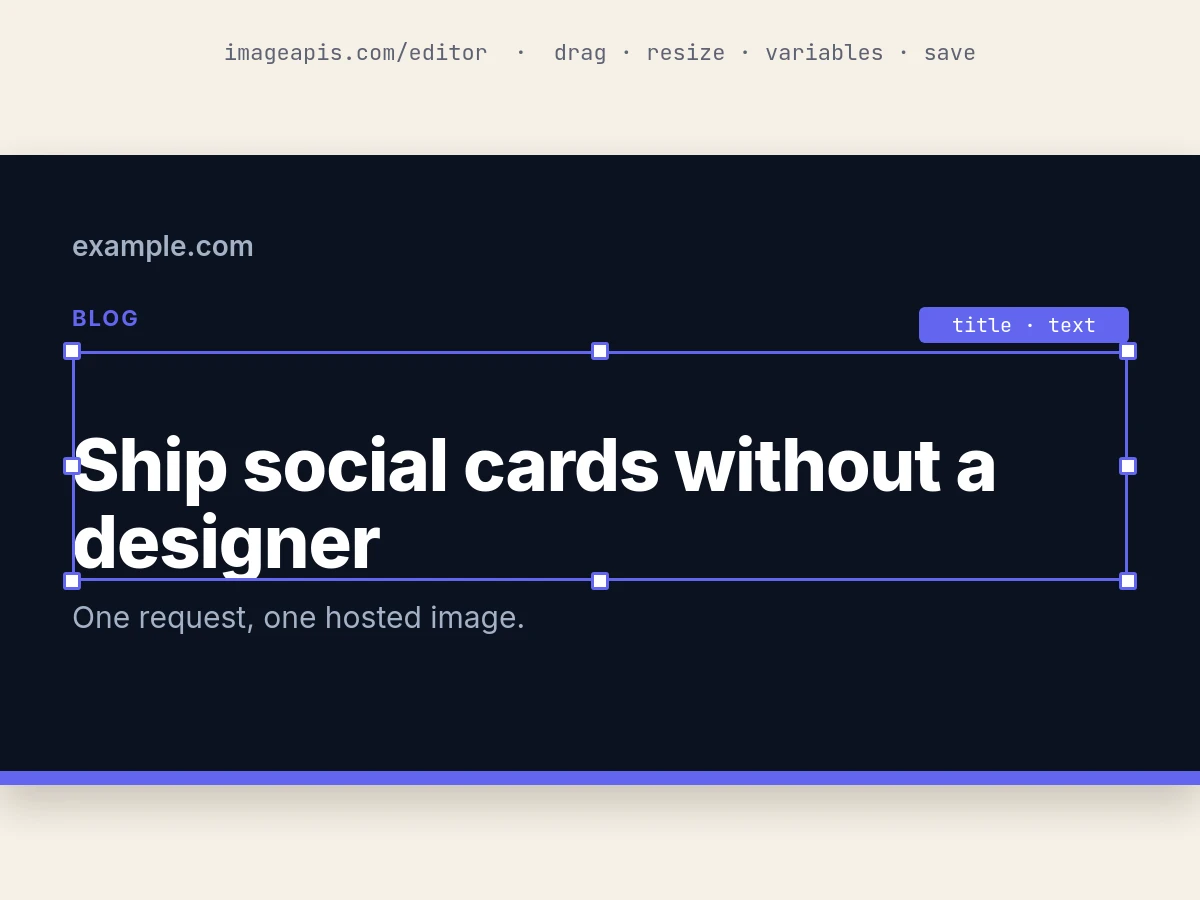
The visual editor
Open a starter or a size in the visual editor, drag, rotate, group and style layers, add shapes, icons, a chart and a QR code, set variables, check and render it, save the template to your account, then render it from curl or an agent with new values.
Editor · curl · 8 min read
Open Graph image generator
Make a 1200×630 Open Graph image from a title, description and site name. Free, no sign-up, hosted URL you can use right away.
POST /v1/ogQuestions publishers ask.
Does this replace the featured image on the article?
No. The card goes in the og:image and twitter:image tags that social networks and chat apps read when someone shares the link. The page keeps its own featured image, and the card can use it as the lead photo.
What happens when a headline changes after publishing?
The headline is part of the URL, so an edited headline makes a new URL and a new card on its first fetch. Social networks keep the image they already scraped until they look again; Facebook's Sharing Debugger and LinkedIn's Post Inspector make them look now.
What about square, story and Pinterest sizes?
A signed URL draws its template at the template's own size, so a 1080×1080 square or a 1080×1920 story is a second template that takes the same variables, with its own signed URL. The code above stays the same apart from the template id.
Our photos are behind a login.
An image layer needs a public URL. Upload the photo first with POST /v1/uploads: it is copied to img.imageapis.com/u/… and kept until you delete it. Uploads are free.
How long do the images last?
A signed URL works for as long as its base exists: when a render ages out of the cache, the next fetch makes it again. A file from POST /v1/images or a collection is kept 30 days on the free plan and a year on paid plans. So when the card should last as long as the story, store the signed URL in the CMS, not the file's URL.
Can we use our own fonts?
Any Google Fonts family loads by name in a layer template. For a licensed face, save the card as an HTML template (engine: "html") and load the font with @font-face from your own server; the render waits for it.
Start from the template above.
Copy the news article starter into your account, lock a signed base to it, and paste the code for your stack. The first 150 cards each month are free.