Images, PDFs and screenshots from one API call.
JSON layer templates with text that fits itself. Open Graph cards from a title. PDFs and screenshots in a real browser. Signed URLs that render the first time they are fetched. Hosted URLs back, every time.
150 images a month free, no card. Paid plans from $9. Same key works from the MCP server.
- No watermark
- No card
- No sales call
- Every endpoint on the free plan
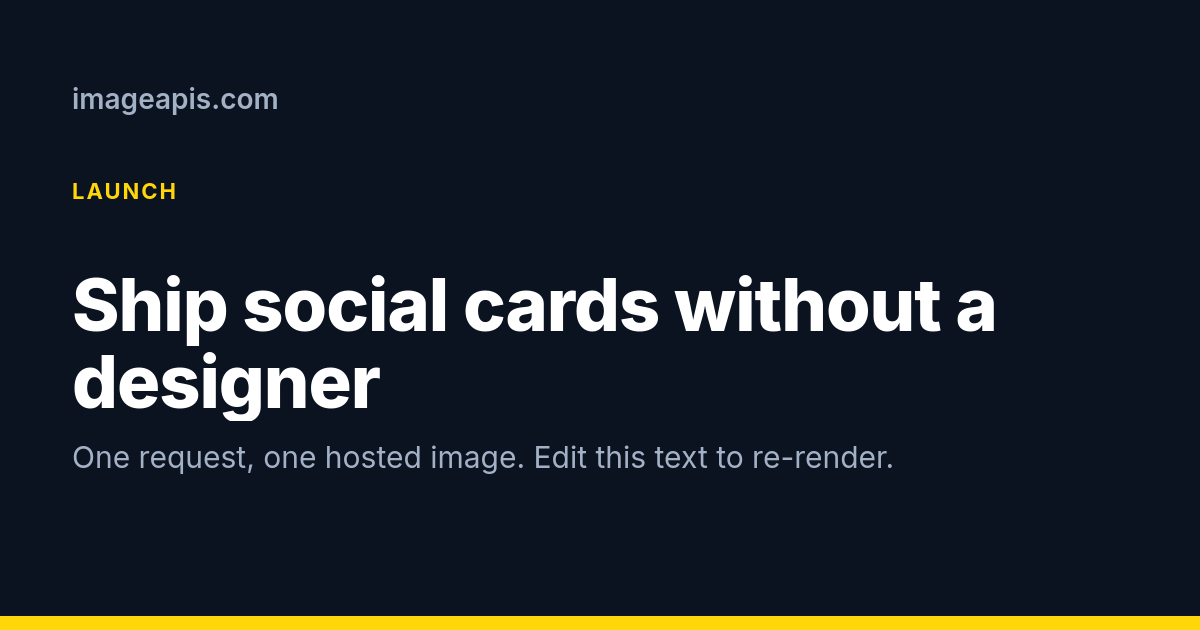
curl -X POST https://api.imageapis.com/v1/og \
  -H 'X-API-Key: YOUR_KEY' -H 'Content-Type: application/json' \
-d '{"title":"Ship social cards without a designer","site":"imageapis.com"}'Three calls, or one.
Save a design once, render it with new values forever. Or skip the template and send HTML, a URL, or just a title.
Render with variables
POST /v1/images with the template id, variables and per-layer modifications. Text shrinks to fit its box. Google Fonts load by name.
Use the URL
Every render is hosted at img.imageapis.com, 30 days free and a year on paid plans. Or ask for the bytes, or a webhook.
curl -X POST https://api.imageapis.com/v1/images \
  -H 'X-API-Key: YOUR_KEY' -H 'Content-Type: application/json' \
  -d '{
    "template": "tpl_4nq8vzk2hdyw7bxme3rc",
    "variables": { "title": "Launch week starts Monday" },
    "modifications": [{ "name": "photo", "src": "https://example.com/hero.jpg" }],
    "scale": 2
  }'
# → { "id": "img_…", "status": "completed", "url": "https://img.imageapis.com/i/img_….png", … }
import requests
r = requests.post("https://api.imageapis.com/v1/images",
headers={"X-API-Key": "YOUR_KEY"},
json={"template": "tpl_4nq8vzk2hdyw7bxme3rc",
"variables": {"title": "Launch week starts Monday"},
"scale": 2})
print(r.json()["url"]) # https://img.imageapis.com/i/img_….pngconst r = await fetch("https://api.imageapis.com/v1/images", {
method: "POST",
headers: { "X-API-Key": process.env.IMAGEAPIS_KEY, "Content-Type": "application/json" },
body: JSON.stringify({
template: "tpl_4nq8vzk2hdyw7bxme3rc",
variables: { title: "Launch week starts Monday" },
webhook_url: "https://example.com/hooks/render", // optional: 202 now, POST when done
}),
});
const { id, url, status } = await r.json();# Claude Code, Cursor, or any MCP client: one URL, your key as the bearer token.
claude mcp add imageapis https://mcp.imageapis.com/ --header "Authorization: Bearer YOUR_KEY"
# Then, in a conversation:
# "Make an Open Graph card for this post titled 'Launch week starts Monday'
# with our site name and the indigo theme, and give me the URL."
# The agent calls create_og_image and returns the hosted URL.The parts of Bannerbear a developer actually calls.
No 50 integrations to maintain, no sales call. A REST API with real examples, an editor, Zapier, an MCP server, and prices that assume you will automate it.
Layer templates that fit themselves
Text layers shrink until the copy fits, or clamp with an ellipsis. Image layers cover or contain. Bars, star ratings, charts, QR codes, 20 shapes and about 11,800 icons and brand logos by name are layers too. Any Google Font by name.
Check a design before it ships
Lay a template out with real values and get back what would go wrong: text that does not fit, low contrast, images that did not load or will look soft, fonts that did not load. Free, with a fix for each. Built for agents.
One template, every size, every brand
Render a design as an Open Graph card, a square post and a story in one call; layers on an edge stay there. Keep each customer's colours, fonts and logo as a brand and fill {{brand.…}} at render time. See how.
Open Graph cards with no template
Title, description, site, logo, photo, theme and accent in, a 1200×630 card out. The design above is the default; use the free tool to try it.
Signed URLs
Build image URLs in your own code with an HMAC. The first fetch renders, the rest are cached. Put them straight into og:image tags and emails.
PDFs from HTML, templates or URLs
Invoices, certificates, reports. A4, Letter or your template's own size, margins and backgrounds. For a print shop: bleed, crop marks and the trim box. One unit per page. Print-ready PDFs.
Screenshots in a real browser
Viewport or full page, one element by selector, dark mode, a delay for animations, selectors to hide cookie banners.
Webhooks, Zapier and an MCP server
Subscribe a URL once and get a signed POST for every finished render. Fill templates from your Zaps with the Zapier app. Or let an agent do the whole thing: the MCP server exposes every operation as a tool.
A spreadsheet in, an image per row
Post a CSV with up to 1,000 rows. Columns fill placeholders or change layers by name, every URL comes back at once, and a webhook says when they are done. Try it with ten rows.
Templates that move
Give layers an entrance, a loop or an exit and the same template renders as an MP4, WebM or GIF, up to 30 seconds at 1080p, with a soundtrack if you like. Or send HTML with CSS animations. Animate a card.
An editor that is the renderer
Drag, resize, rotate and group layers on a canvas drawn by the same engine as the API, fill the variables, check, render, and save the template to your account. No sign-up to start: designs autosave in your browser. Open the editor, or start from a starter.
A template is JSON. Edit this one.
Absolute positions on a canvas, layers bottom to top. It is the same JSON the editor reads and writes, so you can draw it, write it, or have a model write it.
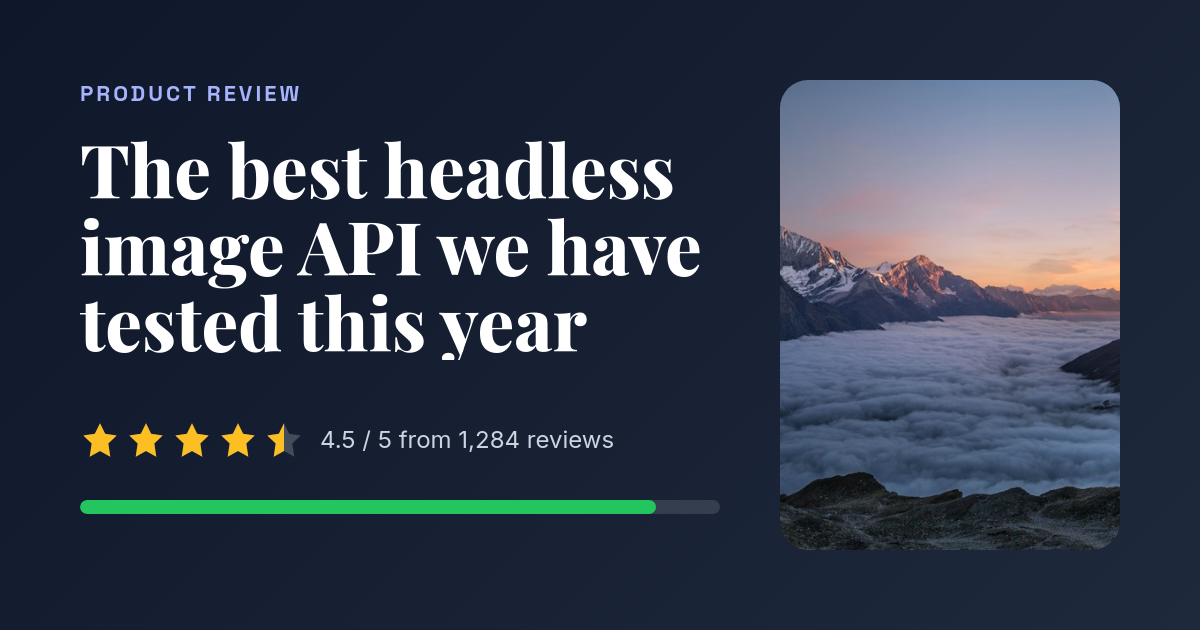
press Render to see the requestOr draw one in the editor, starting at a size: Open Graph · 1200×630Instagram post · 1080×1080Story · 1080×1920YouTube thumbnail · 1280×720X header · 1500×500A4 · 794×1123Certificate · 1123×794Business card · 336×192
Images that render when someone looks at them.
No API call at publish time. Sign the path and query with your base's secret, put the URL in an og:image tag, an email or a README, and the first fetch does the work.
import hmac, hashlib
base, secret = "sb_8mz2kq7xvtnw4hbc3dpe", "sbs_…"
path  = f"/s/{base}/og.png"
query = "title=Hello+world&site=example.com&exp=1760000000"
sig   = hmac.new(secret.encode(), f"{path}?{query}".encode(), hashlib.sha256).hexdigest()
url = f"https://img.imageapis.com{path}?{query}&sig={sig}"Create a base
POST /v1/signed-bases returns an id and a secret. Lock it to one template, or leave it open.
Sign in your code
HMAC-SHA256 of the path and query, hex. Add exp to expire a URL. Any template id, or og for the built-in card.
Forget about it
Identical URLs are cached at the edge and cost nothing. Change the template and the next fetch re-renders. Delete the base and every URL stops.
One image is one unit. Everything else is free.
A render at any size and scale is one image. A screenshot is one. A PDF is one per page. Templates, signed bases, fonts and record reads cost nothing. No sales call at any tier.
- 2,000 images a month
- $4 per 1,000 after that
- Renders kept a year
- Webhooks, signed URLs, PDFs
- 10,000 images a month
- $3 per 1,000 after that
- Renders kept a year
- Everything in Starter
- 40,000 images a month
- $2 per 1,000 after that
- Renders kept a year
- For platforms rendering for their users
For comparison, 1,000 images cost $49 at Bannerbear, $29 at Templated and $14 at HTML/CSS to Image. See the comparison.
Questions people ask before the first call.
What counts as an image?
One render of any size up to 4096 px is one image, at 1x, 2x or 3x. A screenshot is one image. A PDF costs one image per page. Creating templates, listing them and reading records is free, and the gateway tells you what each call cost in the X-Gw-Cost header.
Do I need an account to try it?
No. The tools, the starters and the editor work without one. Designs in the editor save in your browser as you go; when you want to render one from code, Save to a free account carries it over. A key is free, with 150 images a month and no card.
Do free renders carry a watermark?
No. Nothing is added to any render on any plan: no watermark, no badge, no "made with". The free plan has every endpoint; it differs from paid plans only in how many images a month and how long renders are kept.
Can one template make every size, for every brand?
Yes. POST /v1/images/sizes lays a template out at up to ten sizes in one call (Open Graph, square, story, banners or your own), and a brand kit fills {{brand.color.primary}}, {{brand.logo}} and the rest at render time, so a SaaS can render one design in each customer's colours.
How long are renders kept?
30 days on the free plan and a year on paid plans. Every record carries an expires timestamp. Signed-URL renders are cached for a week and re-rendered on demand after that, so a URL in a page keeps working.
Can I use my own HTML and fonts?
Yes. Send html and css with {{placeholders}}, or save a template with engine set to html. Any Google Fonts family loads by name; 80 are curated with their weights at /v1/fonts.
How fast is it?
A template render takes one to three seconds end to end, most of it the browser. Signed URLs after the first fetch answer in about 50 ms from the edge. For batches, send webhook_url and let the renders finish in the background.
Is there a visual editor? Video?
Yes to the editor: imageapis.com/editor draws templates with the API's own layer engine, so the preview is the render. Drag, resize, edit every property, add charts and QR codes, set variables, then save to your account or copy the JSON. Templates stay plain JSON you can also write by hand or have a model write. And yes to video: give layers an animate and render MP4, WebM or GIF; the editor previews the motion with a play button. The changelog says what shipped.
Does it work with Zapier, Make or n8n?
Yes. The ImageAPIs app for Zapier fills your templates from any Zap (each placeholder becomes a field), makes videos, screenshots and PDFs, and triggers Zaps when renders finish; it is waiting on Zapier's review, so ask for an invite. Make, n8n and Webhooks by Zapier use the REST API and account webhooks directly.
Who runs this?
APIDirectory, the index of public APIs. Image APIs is one of its house APIs, sold through the same storefront as the others: one account, one key per API, Stripe billing, usage on the dashboard.